
Protection of sensitive IT infrastructure
Avoids smoke and extinguishing water damage to servers and technical equipment.
Application area
Data centres represent high asset values and strict availability requirements — smoke or extinguishing water damage to sensitive IT hardware is particularly costly here.
Starting point
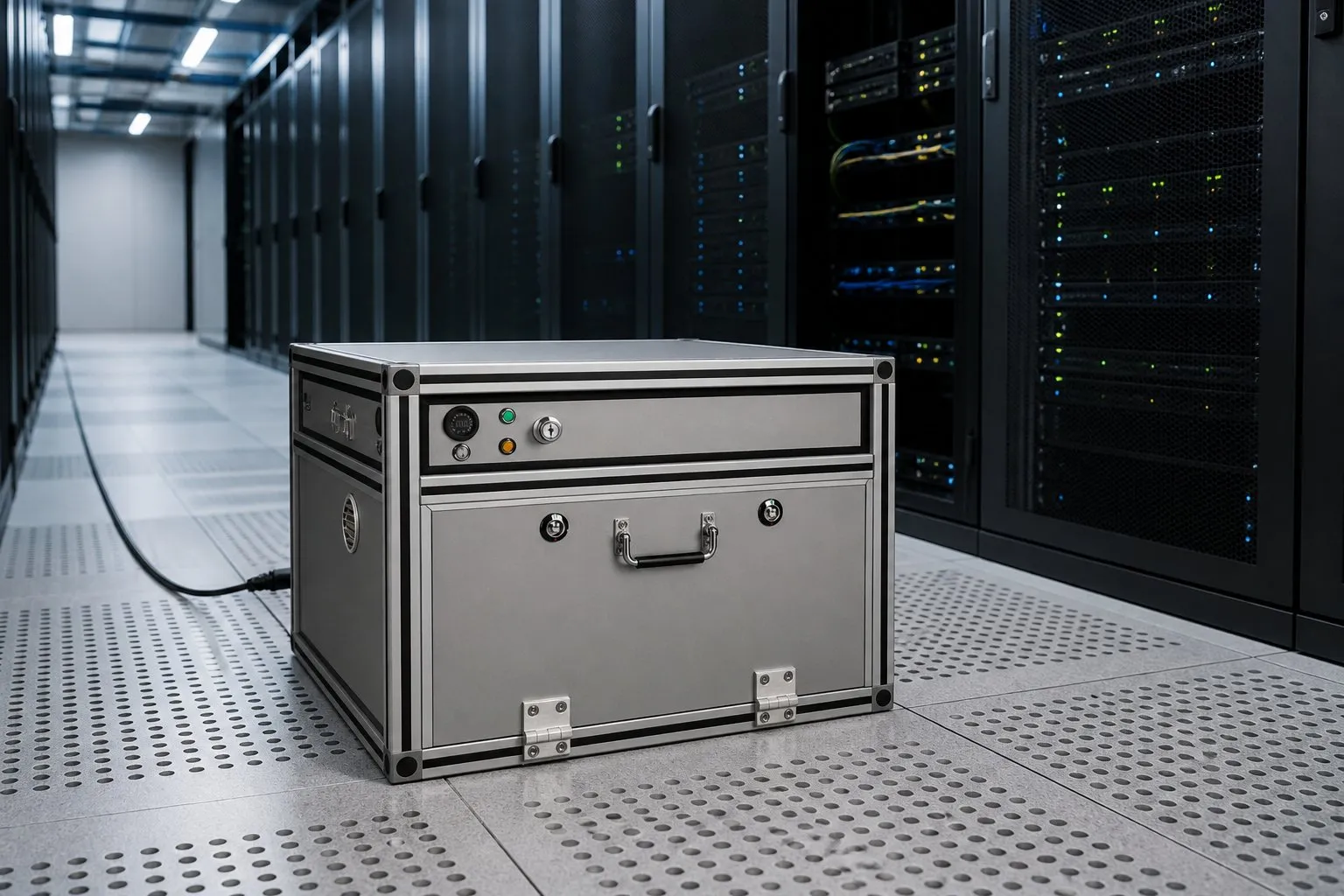
Spare batteries for laptops and mobile devices are often stored in technical environments closer to critical infrastructure than it might first appear.
Data centres are well set up for fire protection — for the server room. Early warning, suppression systems, access control, documented processes. For the technical side room, those processes usually do not apply.
That is where spare batteries for laptops and mobile devices, maintenance equipment and portable power stores sit — often loose on a shelf, and closer to critical infrastructure and UPS systems than the floor plan suggests.
The damage picture here is different from a hall. It is not the flames that do the main damage, but smoke and extinguishing water on hardware that was not meant to be involved. Then there are SLA obligations, audit requirements and outside contractors who bring their own charging equipment.
Discuss your use caseLocations
How it works
The box is placed in a technical side room or maintenance area — clearly apart from server space and UPS units.
Spare batteries for laptops, mobile devices and maintenance equipment are recorded in one place and charged in the protected interior.
The clearly defined charging process supports internal security and audit requirements in SLA-critical environments.
If something happens, the reaction stays inside the box — sensitive IT hardware nearby stays protected.
Benefits
Avoids smoke and extinguishing water damage to servers and technical equipment.
Creates a dedicated area for batteries, away from critical server areas.
Reduces the risk of unplanned downtime in SLA-critical environments.
Supports internal security and audit requirements with a clearly defined charging process.
In detail
| Typical situation | Risk without protection | With the RUK Li-Ion Safety Box |
|---|---|---|
| Spare batteries are stored near the server room | Smoke or extinguishing water damage jeopardises sensitive IT hardware | Spatially separate, enclosed charging and storage area |
| High availability requirements (SLA) | Downtime caused by incidents is particularly costly | Early containment reduces the risk and duration of an outage |
| Internal security and audit requirements | The handling of batteries is often not documented | Clearly defined, controlled charging process |
| Maintenance areas with many loose spare batteries | Confusing storage makes control more difficult | Central, monitored storage location |
| Technical side rooms sit right next to UPS systems | An incident can spread to the uninterruptible power supply | A charging area for mobile spare batteries, separate in space and in function |
| Outside contractors bring their own charging equipment for maintenance | Unknown chargers and batteries without a uniform safety check | A defined guest charging place with its own monitoring, independent of the equipment they bring |
More application areas
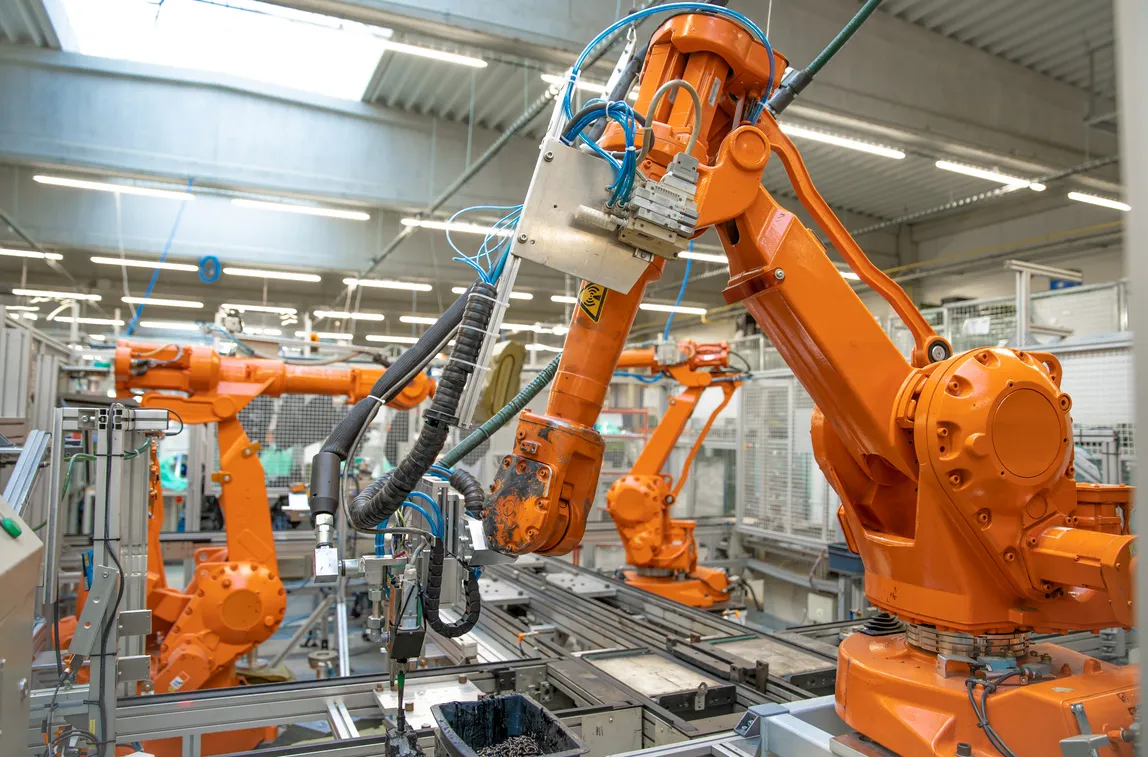
Protection in manufacturing, assembly and technical areas with heavy use of lithium batteries.
View details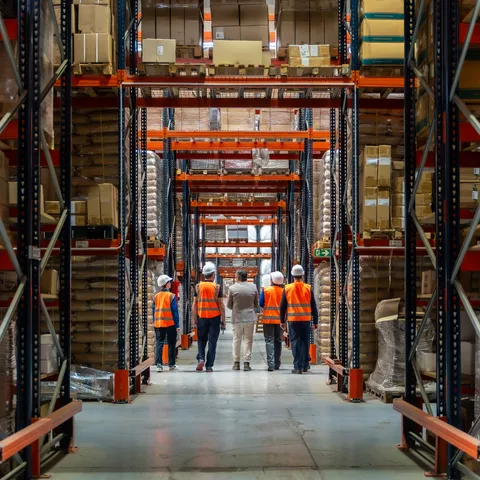
Safe charging and storage in the warehouse, in shipping and in in-house logistics.
View details
Reliable protection in public authorities, schools, universities and other public buildings.
View detailsWe'll advise you on installation location, capacities and integrating the Li-Ion Safety Box into your operation.